
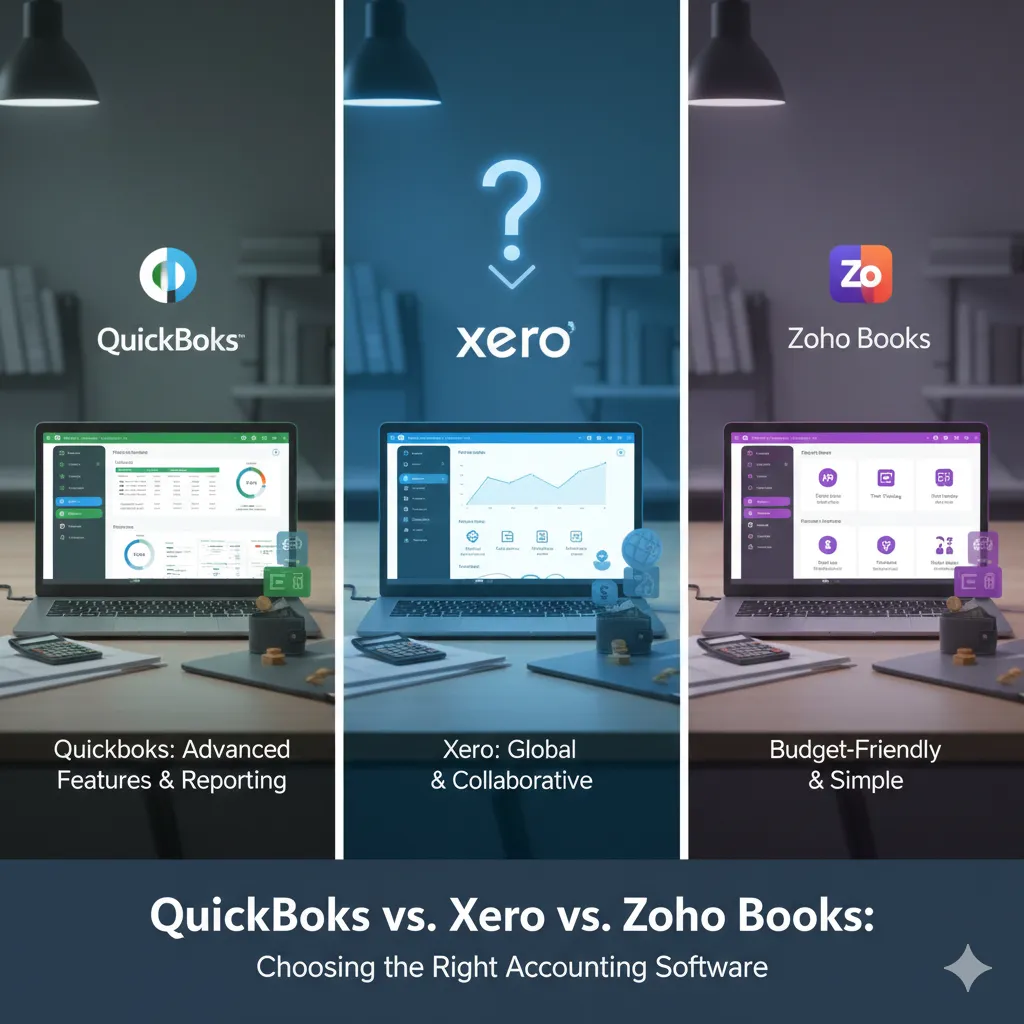
QuickBooks vs. Xero vs. Zoho Books: Choosing the Right Accounting Software
Selecting the right accounting software is a strategic business decision that directly impacts financial management, compliance, and daily operations. Among the many options available, QuickBooks, Xero, and Zoho Books consistently stand out as leading choices. Each platform offers distinct features, pricing models, and usability levels, making it essential to understand their differences before deciding which one best suits your business.
This blog provides a side-by-side comparison of these three platforms based on features, pricing, usability, and ideal use cases—helping you make a confident and informed decision.
QuickBooks Overview
QuickBooks, developed by Intuit, is a widely used accounting solution known for its robust functionality and extensive integrations. Designed primarily for small to medium-sized businesses, it supports invoicing, expense tracking, tax management, and automation. Businesses can choose between cloud-based QuickBooks Online and on-premises QuickBooks Desktop.
Key Features
- User-Friendly Dashboard: A visual, easy-to-understand overview of financial data, suitable even for non-accountants.
- Expense Tracking: Automatic bank syncing with smart expense categorization.
- Advanced Reporting: Customizable reports such as profit and loss statements, expense summaries, and sales reports.
- Payroll Integration: Built-in payroll solutions for managing employee payments and taxes.
- Third-Party Integrations: Seamless integration with platforms like Shopify, PayPal, Square, and more.
Usability
QuickBooks offers mobile access through its cloud version, making it convenient for remote use. However, new or less tech-savvy users may experience a steeper learning curve, and subscription costs tend to increase over time.
Best Use Cases
- Businesses requiring advanced payroll and tax features
- Growing companies needing extensive third-party integrations
- Organizations that rely heavily on detailed financial reporting
Xero Overview
Xero is a cloud-based accounting platform developed in New Zealand and widely adopted by small and medium-sized enterprises. Known for its clean interface and strong international capabilities, Xero is especially popular with businesses operating across multiple countries.
Key Features
- Bank Reconciliation: Simple drag-and-drop matching of bank transactions.
- Automated Invoice Reminders: Helps improve cash flow by reducing late payments.
- Multi-Currency Support: Ideal for businesses with international clients or operations.
- Inventory Management: Real-time tracking of stock levels and costs.
- Unlimited Users: All plans allow unlimited users at no extra cost.
Usability
Xero is praised for its intuitive navigation and modern design. While generally easy to use, some users find its reporting tools less detailed than QuickBooks. Onboarding resources are helpful but may lack depth for complex setups.
Best Use Cases
- Businesses with global operations and multi-currency needs
- Companies that require multiple users without added costs
- Organizations focused on cash flow and invoice management
Zoho Books Overview
Zoho Books is part of the broader Zoho ecosystem, making it an excellent choice for businesses already using tools like Zoho CRM or Zoho Inventory. It is a cost-effective, straightforward accounting solution tailored to small businesses and startups.
Key Features
- Automated Workflows: Automates recurring tasks such as invoicing and payment reminders.
- Tax Compliance: Supports GST, VAT, and sales tax calculations.
- Time Tracking: Built-in time tracking for billing client projects accurately.
- Client Portal: Allows clients to view invoices and quotes, improving transparency.
- Custom Reports: Create reports tailored to specific business needs.
Usability
Zoho Books is easy to use, especially for users familiar with the Zoho ecosystem. However, it offers fewer advanced reporting features and third-party integrations compared to QuickBooks and Xero.
Best Use Cases
- Startups and small businesses with limited budgets
- Freelancers and small teams using other Zoho applications
- Businesses with basic to moderate accounting requirements
Quick Comparison Overview
| Feature | QuickBooks | Xero | Zoho Books |
|---|---|---|---|
| Ease of Use | Moderate (steeper learning curve) | Beginner-friendly | Beginner-friendly |
| Pricing | Higher with add-ons | Competitive | Most affordable |
| Multi-Currency | Available on higher plans | Strong support | Suitable for SMEs |
| User Limits | Based on plan | Unlimited | Plan-based |
| Integrations | Extensive | Growing | Best within Zoho ecosystem |
| Best For | Payroll & advanced reporting | Global businesses | Budget-conscious startups |
Which Accounting Software Is Right for You?
The best accounting software depends on your specific business needs:
- Best for Advanced Features:
QuickBooks is ideal for businesses that need powerful reporting, payroll, and integrations. While it comes at a higher cost, its comprehensive features support long-term growth. - Best for International Operations:
Xero is well-suited for global businesses thanks to its strong multi-currency support and unlimited users. - Best for Budget-Friendly Accounting:
Zoho Books is a great option for startups and small businesses seeking affordability, especially those already using other Zoho tools.
Final Thoughts
QuickBooks, Xero, and Zoho Books each offer unique strengths that cater to different business needs. By evaluating your company size, budget, geographic presence, and accounting complexity, you can select the platform that aligns best with your goals.
Before committing, it’s recommended to explore free trials or demos to assess usability, features, and long-term costs. Choosing the right accounting software can significantly improve financial efficiency and support sustainable business growth.